










Create stable operational locations and give shared Suite identities only the Checklist access they need.
Before you start
- List the sites or areas that must be compared.
- Confirm which existing Suite users participate.
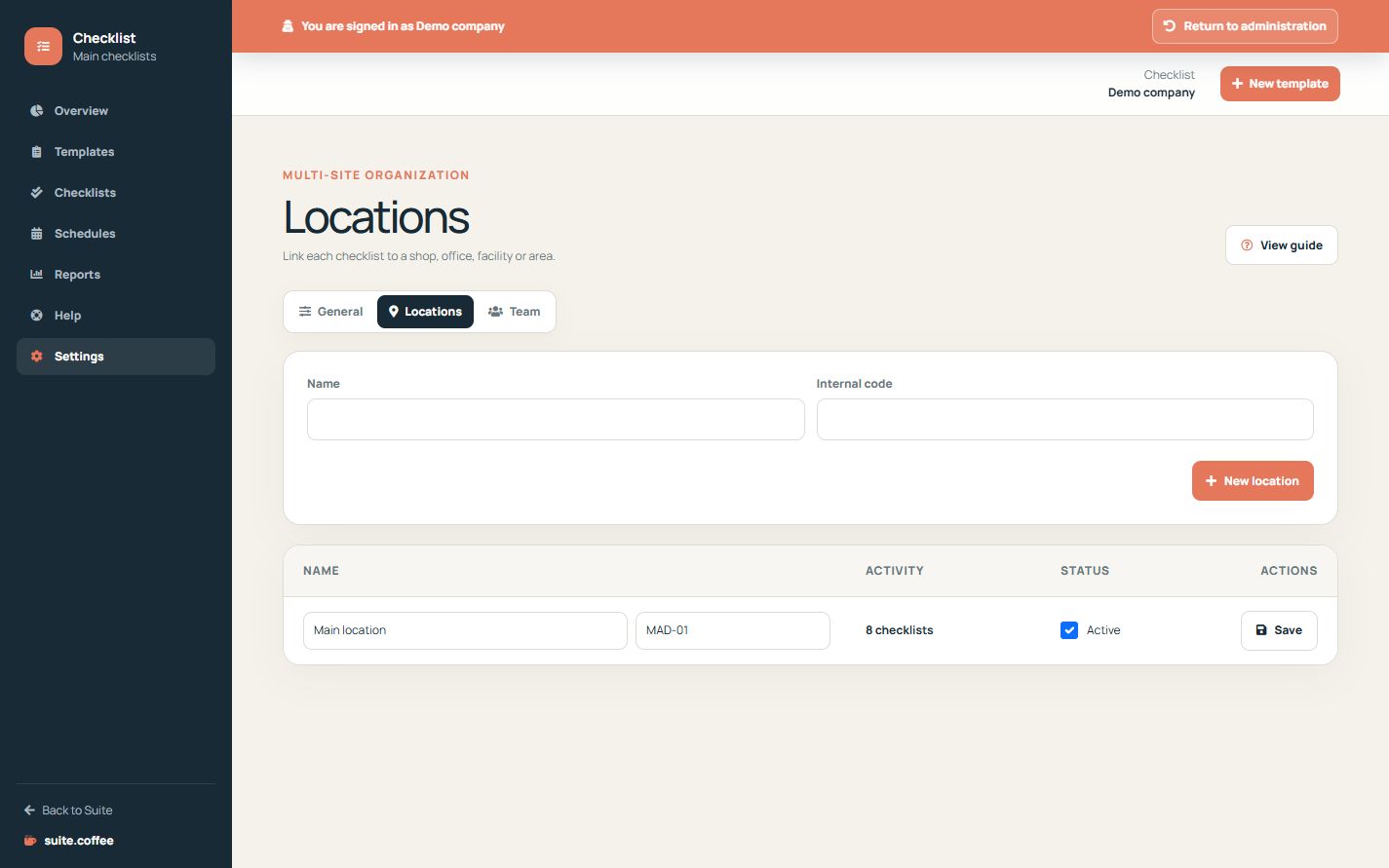
Use stable locations
Create a location for each site or operational area that must remain comparable in queues and reports. Inactive locations remain in historical checklists.
Respect plan capacity
The plan counts active locations. A reduction suspends excess locations reversibly and preserves their templates, schedules and history.
Reuse shared identities
Add existing Suite accounts and choose a Checklist role. Owners and members configure; operational users perform assigned work; clients keep read-only access. Adding a person here does not grant access to other services.
Step by step
- Open Locations.
- Create each site with a stable name and code.
- Deactivate obsolete locations instead of repurposing them.
- Open Team and add an existing Suite account.
- Assign the least privileged Checklist role.
Final check
- Active locations fit plan capacity.
- Names do not duplicate the same area.
- Adding a member did not grant another service.
Tip: Keep inactive locations for historical accuracy; existing checklists still reference them.