










Review the current template version before editing, duplicating or changing activation.
Before you start
- Confirm whether future work or existing work must change.
- Review schedules that depend on the template.
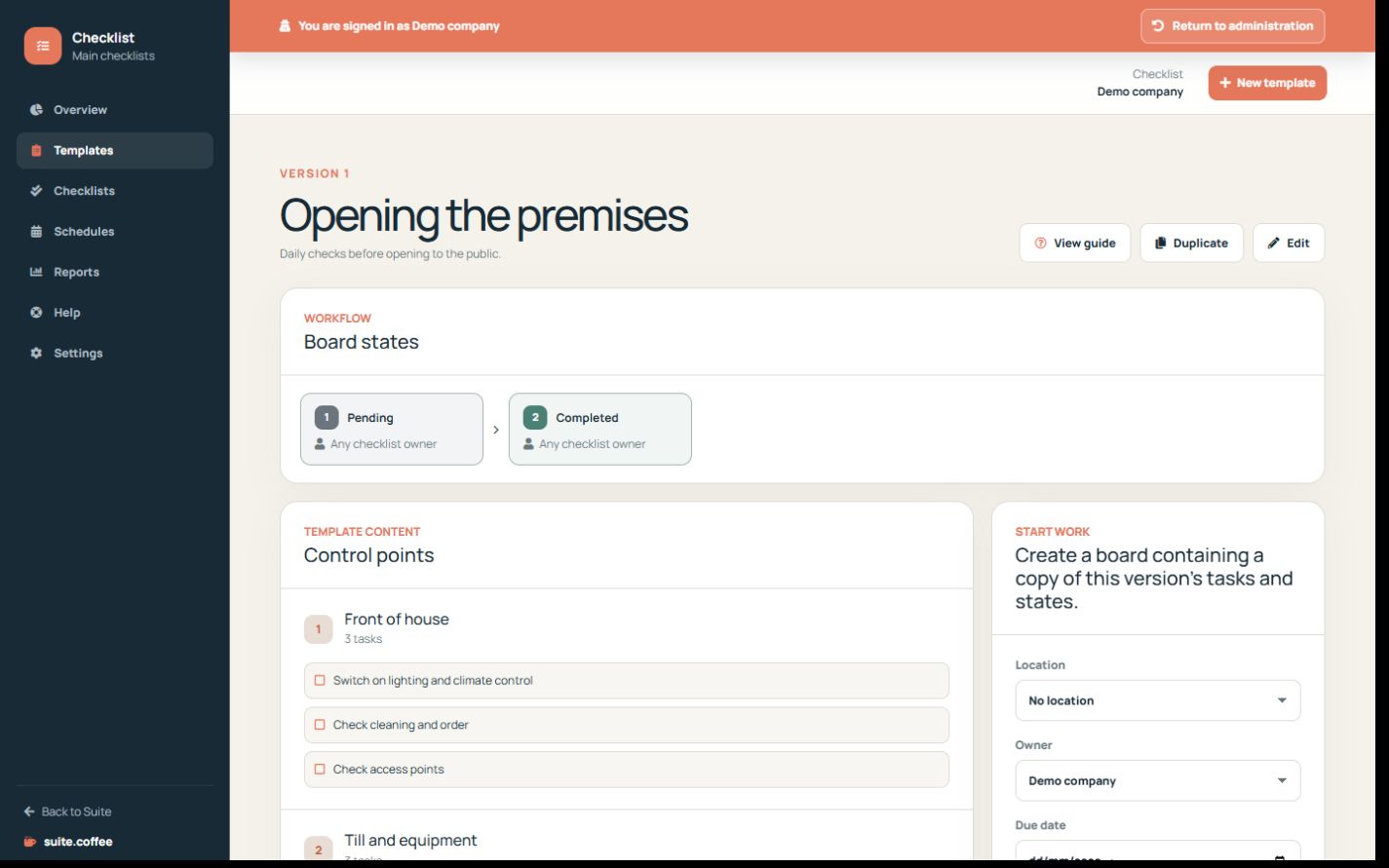
Preserve work already started
Each checklist copies the template version, states, state owners, sections, tasks, response types and requirements at creation. Later template edits do not rewrite that work or its history.
Choose edit or duplicate
Editing increments the template version for future checklists. Duplicate creates an independent deep copy when the procedure needs a separate evolution.
Control activation
Inactive or plan-suspended templates cannot start new work and their schedules are disabled. Existing checklists remain available. Reactivation must fit current plan capacity.
Step by step
- Open the template detail.
- Review version, workflow, sections and usage.
- Edit only when future checklists should adopt the change.
- Duplicate for a separate procedure.
- Deactivate only after checking schedules and plan capacity.
Final check
- Existing runs retained their original snapshot.
- Future runs use the expected version.
- No required schedule was disabled accidentally.
Tip: Editing never rewrites answers or transitions in work that has already started.