










Create a bounded recurrence that generates one traceable checklist for each due occurrence.
Before you start
- Prepare an active template and optional location.
- Confirm local due time and owner.
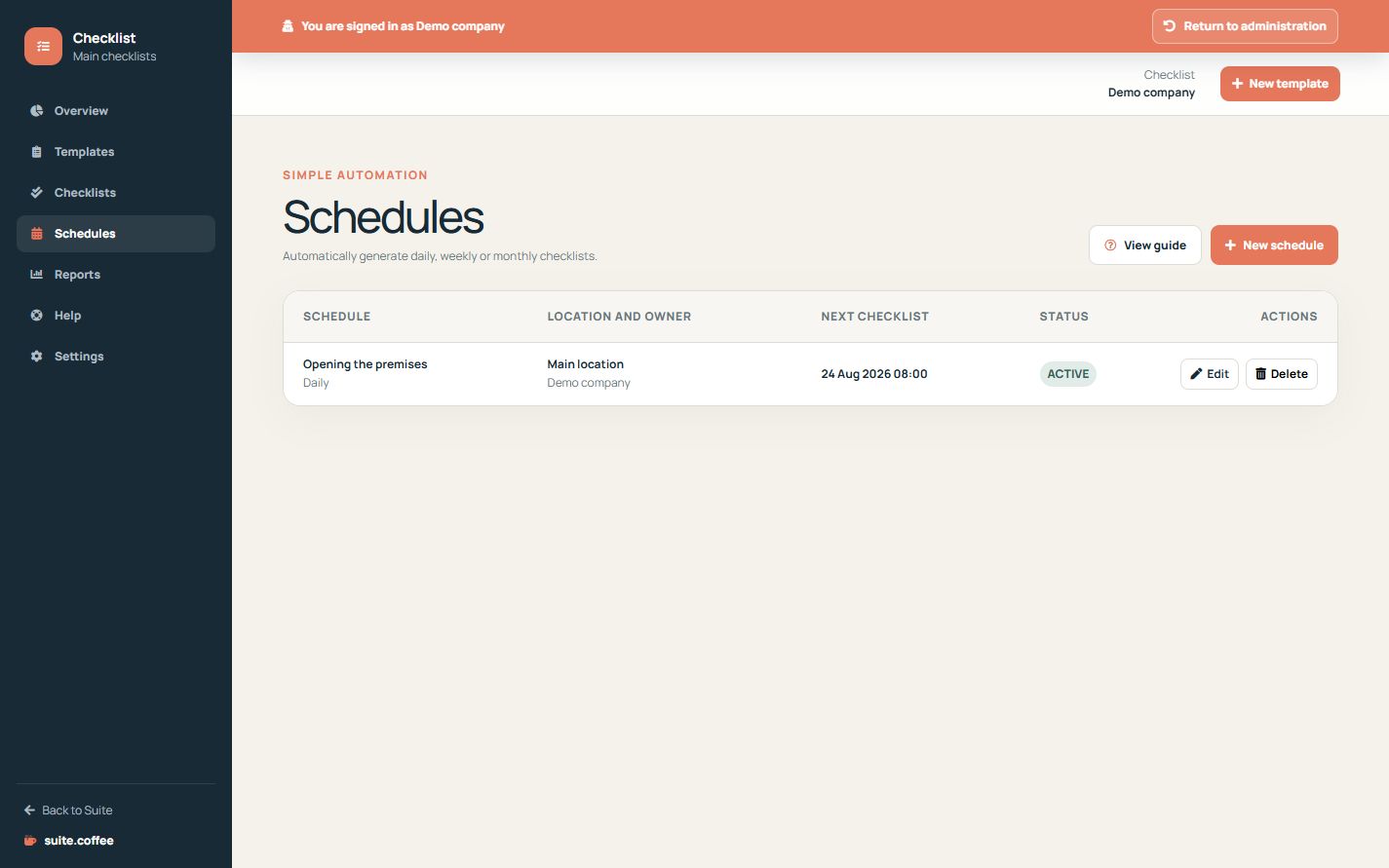
Define the recurrence
Choose an active template, daily, weekly or monthly frequency, local due time and any location or owner. Weekly rules need a weekday; monthly rules use the available day when a month is shorter.
Understand generation
The background process reviews due schedules every five minutes, creates at most one checklist for the locked occurrence and advances the next date from the current time.
Preserve history
Inactive schedules, templates or instances do not generate work. Deleting a schedule stops future occurrences but does not delete checklists already created from it.
Step by step
- Open Schedules and create a rule.
- Choose template, location and owner.
- Set daily, weekly or monthly frequency.
- Confirm local due time and recurrence detail.
- Save and verify the next due date.
Final check
- The next date uses the configured timezone.
- The template and location are active.
- Deleting the rule would preserve generated work.
Tip: Monthly rules use the last available day when the selected day does not exist.